Use cases
Built for people who need pipeline, not another tool.
Agentic Outreach is for founders who sell themselves, small sales teams that need more pipeline than headcount, and anyone who already runs work through an AI assistant. The engine is the same. Your starting point is not.
Founders and solo operators
Founder-led sales, without the founder’s whole week.
You are the best salesperson you have, and the most expensive one. Describe the outcome in one sentence, review Day 1, and let the agent handle the rest.
“Find heads of operations at logistics companies in Germany with 20 to 200 staff. Lead with their hiring.”
- ICP
- Head of Operations, logistics, Germany, 20 to 200 staff
- Signal
- Hiring
- Status
- Waiting for your Day 1 approval
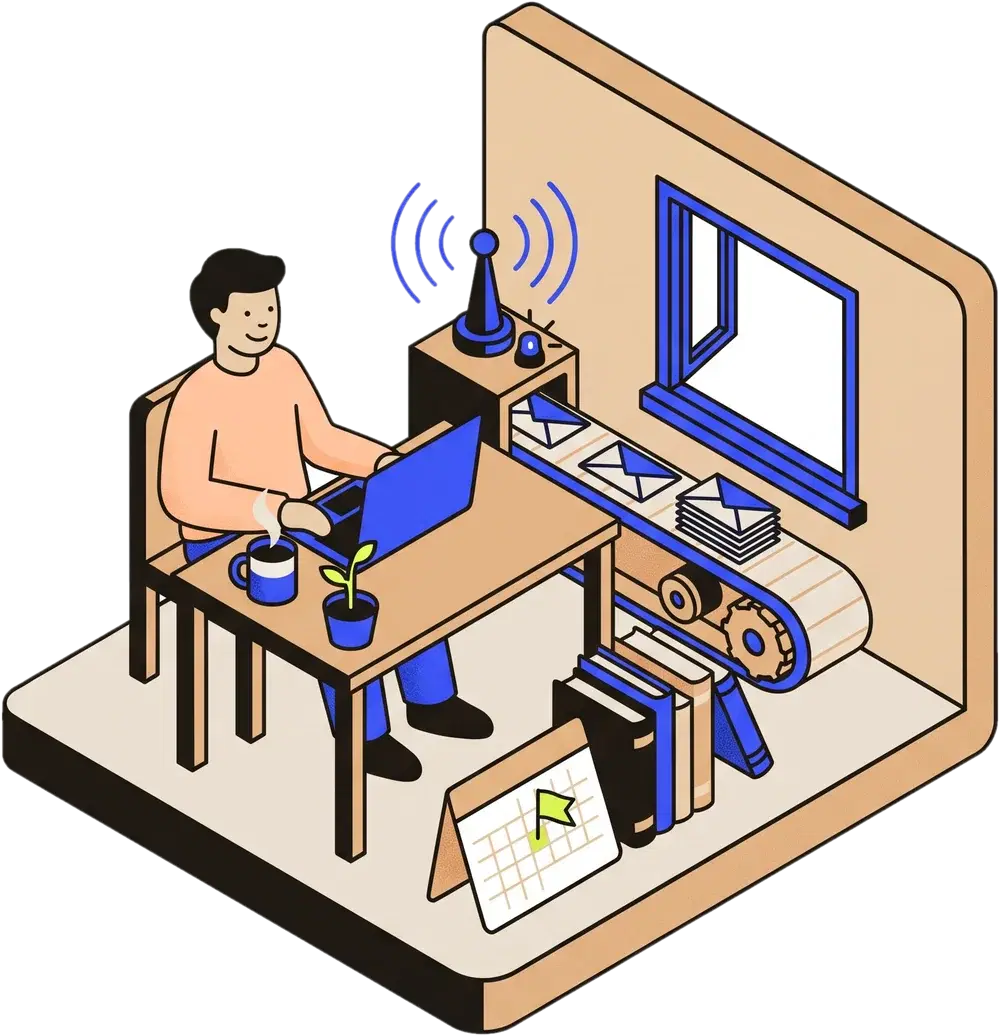
What the agent takes off your plate
- Sourcing. Finds companies that match your ICP and picks about two decision-makers at each.
- Research per prospect. Funding, hiring, tech stack and recent LinkedIn posts, with a 0 to 100 fit score and the reasons behind it.
- Writing in your voice. Each message comes from that prospect’s own signals and is signed as you. Edit it before launch.
- Follow-ups. One timeline across channels. A LinkedIn accept stops the cold email. Any reply stops everything.
- Reply triage. Every reply is classified as interested, question, out of office, not now or bounce, with a draft in context.
- Booking. Books meetings through your Google Calendar.
Your week
- Mon
Describe the goal and approve Day 1.
- Tue to Thu
Replies arrive already classified. You answer the interested ones.
- Fri
Read what the agent learned: which openers and channels won.
Plan fitStarter or GrowthStarter runs Copilot. Growth adds Autopilot and two signal agents.
Sales teams and revenue leaders
More meetings per rep, with receipts.
Build pipeline without growing SDR headcount. Every prospect arrives with a fit score and the reasons behind it, so reps can see why a name is on the list before they trust it.
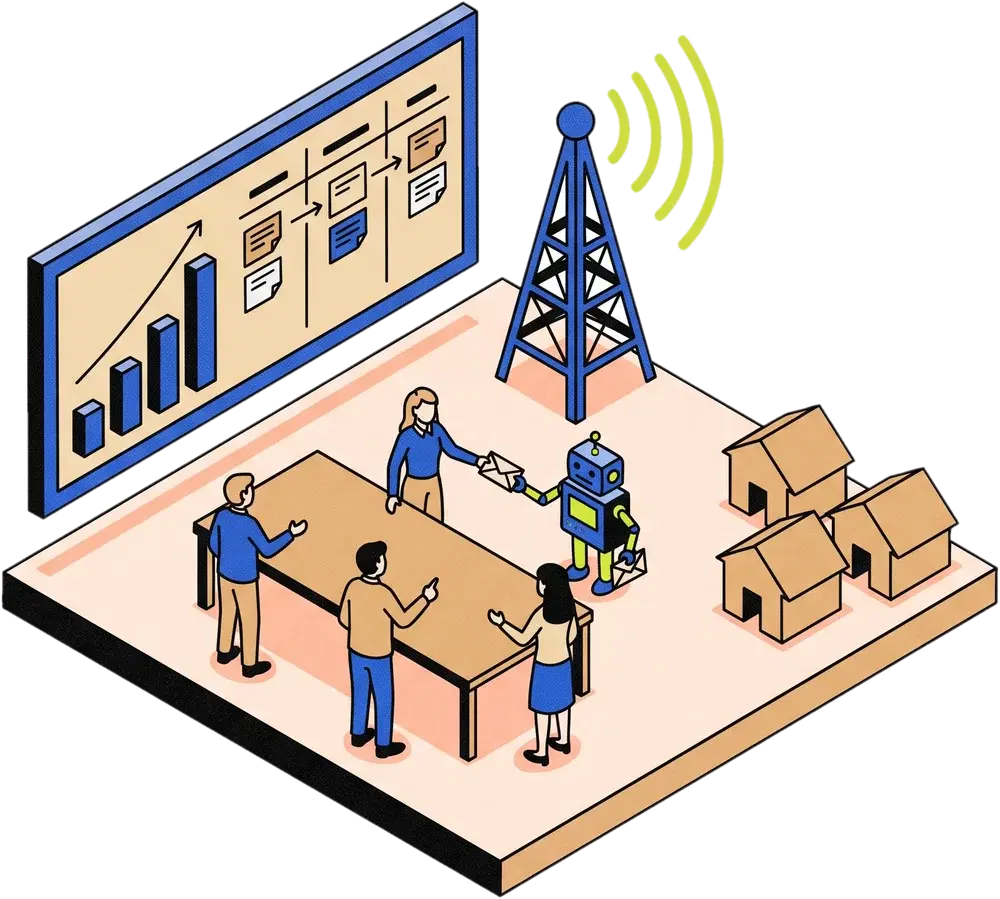
What your team gets
- Pipeline without SDR headcount. The agent researches, writes and follows up. Your reps spend their time on the replies that matter.
- Shared mailbox rotation. Email rotates across your warmed mailboxes at 20 sends a day each. Your daily quota is 20 times the mailbox count.
- Signal agents. They watch for post likes and comments, funding, hiring and competitor engagement, then surface warm leads for review.
- A learning loop that reports outcomes. Positive replies, accepts and meetings. Opens are not in the scorecard, on purpose.
- Scores with receipts. Every fit score comes with its reasons, so reps see why a name is on the list before they trust it.
- Seats and campaigns by plan. Growth includes 3 users and 2 signal agents. Scale includes 10 users and 5 signal agents. Campaigns are unlimited on both.
What your team sees
Illustrative| Prospect | Fit | Why | Channel |
|---|---|---|---|
| Mara Keller | 94 | Hiring 3 growth roles | LinkedIn-first |
| Tom Weiss | 88 | Raised a Series A this quarter | Email-first |
| Priya Nair | 71 | Liked two posts on outbound tooling | InMail |
Placeholder names and scores. Not real prospects.
Plan fitGrowth or ScaleBoth include autopilot and signal agents. Scale adds CRM sync and team analytics.
Claude, ChatGPT, Codex and Cursor users
Run outbound by conversation.
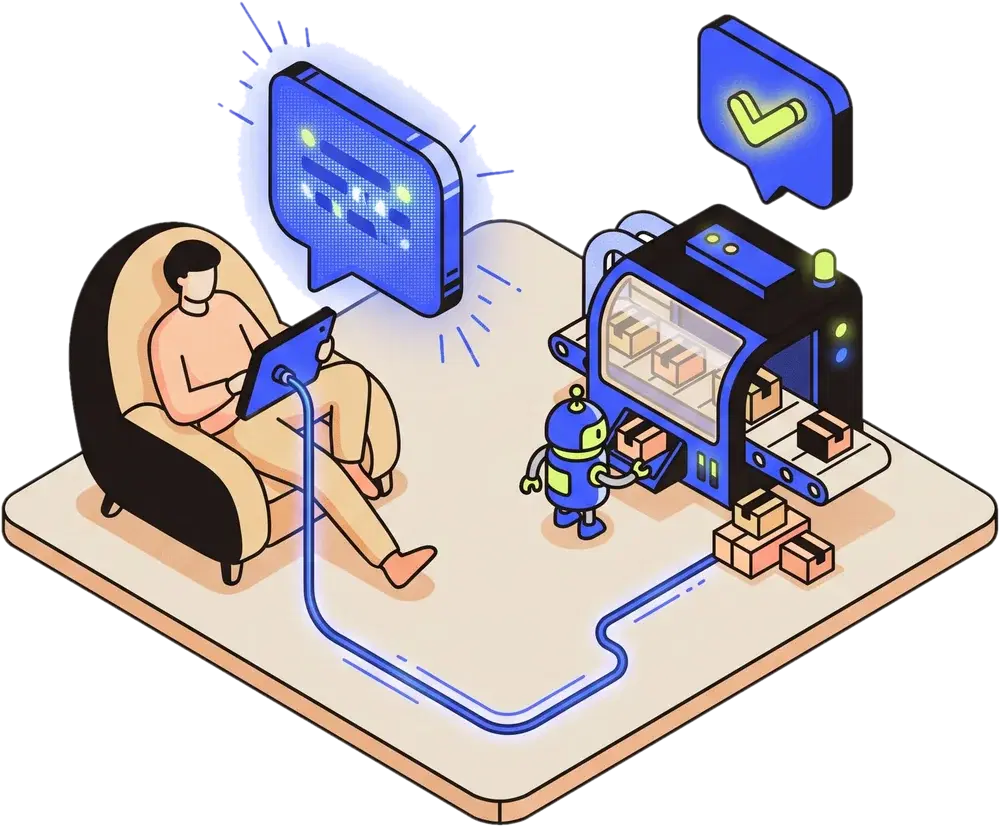
Connect once over MCP, then do the outbound work in the chat you already use. Plan, review and approve without opening the dashboard.
- Connect once.
Add the server URL to Claude, ChatGPT, Codex or Cursor. Sign in with OAuth from the URL alone, so there is no key to paste.
- Work in the conversation.
Plan campaigns, review warm leads with their evidence, and write the copy yourself or review the agent’s.
- Approve a day.
Look at what goes out that day, then say yes. Nothing else sends.
By designThere is no send tool. Messages only go out through campaigns you approved, inside your daily limits.
Say this
How each client connects- “Any warm leads worth a look this week? Show me the evidence for the top three.”
find_warm_leads - “Plan a campaign for fintech companies in the Nordics. Ask me what you need first.”
plan_campaign - “What goes out on Day 1? Show me each message before I approve.”
get_schedule
Plan fitAny planMCP is included on every plan. Whether your Claude or ChatGPT plan allows custom connectors is decided by Anthropic or OpenAI, so check your plan.
One motion, three entry points
Same engine. Different starting plan.
The loop does not change between buyers. What changes is the plan you start on, how much you approve by hand, and who writes the copy.
- ResearchFit score with reasons
- WriteFrom each prospect’s signals
- SendOne timeline across channels
- ReplyEvery reply classified
- LearnPositive replies, accepts, meetings
| Setting | Founders | Sales teams | Operators |
|---|---|---|---|
| Plan that fits | Starter or Growth | Growth or Scale | Any plan |
| Channels and senders | LinkedIn and email. Starter has 1 LinkedIn sender and 2 mailboxes. Growth has 2 and 6. | LinkedIn and email. Growth has 2 senders and 6 mailboxes. Scale has 5 and 15. | LinkedIn and email, InMail on hybrid campaigns. Senders and mailboxes follow your plan. |
| Approval style | Copilot on Starter. Autopilot on Growth. | Autopilot inside your guardrails. | Copilot on Starter. Autopilot from Growth up. |
| Who writes the copy | Outflo’s writer or your connected agent. Editable before launch. | Outflo’s writer or your connected agent. Editable before launch. | Your connected agent in client mode, or Outflo’s writer. You choose in chat. |
| Signal agents | 0 on Starter, 2 on Growth | 2 on Growth, 5 on Scale | Set by your plan |
| Credits a month | 200 on Starter, 1,000 on Growth | 1,000 on Growth, 2,500 on Scale | Set by your plan |
| Judged on | Positive replies, accepts and meetings | Positive replies, accepts and meetings | Positive replies, accepts and meetings |
Defaults from the plan table. Figures are per plan, not per persona.
First week, for anyone
What a typical first week looks like.
Typical, not guaranteed. Timing depends on how quickly you answer onboarding and approve Day 1.
- Day 0Your call
Request access
Join the waitlist. Access is by waitlist during private beta.
- Day 1You and the agent
Onboarding
About 10 minutes, with your AI agent or the dashboard. It saves your profile, ICP and messaging.
- Day 1Your call
Review and approve
Read the first send day. Approving it launches the campaign. Nothing goes out before that.
- Day 2 to 5Agent
First replies triaged
Replies arrive classified. You answer the interested ones.
- Week 2You and the agent
First learnings
The first openers, channels and timing experiments report back. Winners are promoted.
Read this before you request access
Who this is not for.
Four cases where we would rather say no now than disappoint you later.
You need a phone-first dialer.
We run LinkedIn and email. There is no calling, so a phone team will want another tool.
You want to blast a purchased list with one template.
Every message is written from that prospect’s own signals. Sequences stop on reply, bounce or opt-out.
You need a certification we do not hold yet.
We have not completed a SOC 2 audit and hold no other compliance certifications. Ask before you assume.
You want campaigns to launch without a person.
Launching always needs someone to approve Day 1. Fresh paid sourcing needs an explicit OK too.
Pick your entry point. The engine is the same.
Private beta. Access is by waitlist. Pricing is shown for transparency, and billing is not live yet.